


I’ve witnessed the transformative power of Figma that revolutionized the design industry, seeing it quickly capture a dominant market share that empowers over 13 million monthly users!
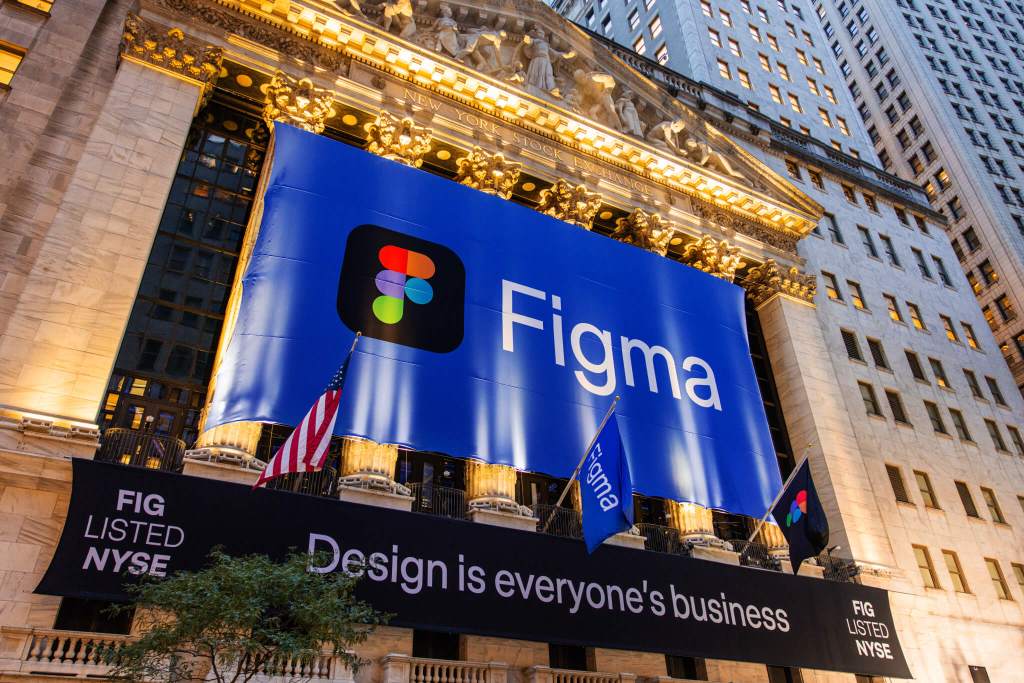
I’ve used for everything in design, from real-time collaboration, powerful vector editing, and end-to-end product development features like prototyping, auto layout, components, and design systems.
And I’ve seen Figma become the primary design tool for most designers at every type of business, from startups to Fortune 500 businesses. It produces trillions of revenue in the US and around the world every year!
However, I’ve also seen Figma ruin design as we know it.
How Figma Is Destroying the Design Process
I’ve seen product design teams get worse in their product design craft by using Figma.
Perhaps it’s just me missing the old ways of designing bespoke skeuomorphic experiences, but every website and app nowadays feels like it’s uber-templated and cookie cutter – completely lacking any personality.
If I were to peel off the layers on my beef with Figma, is that it’s enabled designers to completely cut out the Ideation phase.

I’ll use an example to illustrate my pain: imagine that your team gathers to tackle a problem on an existing experience. Someone opens Figma, pulls up the current screens, and there’s a quick discussion around the problem space. Within a few minutes someone whips up a polished solution using components and auto-layout. Everyone nods at the completed solution. The meeting ends with momentum.
Unfortunately some very bad things just happened, did you notice? Here’s what I saw:
- The creative space collapsed – That vast creative continuum where wild and divergent ideas could bloom is suddenly narrowed to one concrete picture. To suggest an alternative, teammates now have to fight uphill against a visual that already feels finished.
- Design got reduced to mockups – The team experiences design as artifact creation, not thinking. This reinforces the dangerous bias that design is just pretty screens, not problem-solving.
- Mediocrity won the day – In cultures that prize “progress over perfection,” these quick, shiny ideas slide straight into production. Over time, the product fills with safe, incremental patches instead of thoughtful breakthroughs. That’s why there are far more forgettable apps than unforgettable ones.
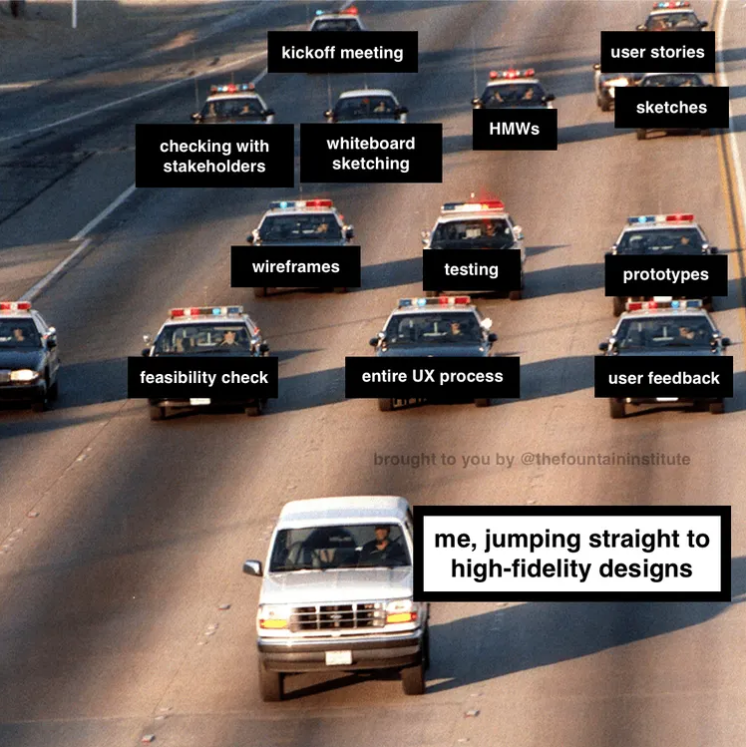
Design will never achieve it’s true purpose if we’re constantly looking to shortcut the design process.
However, the solution isn’t to abandon Figma. It’s to ensure design teams are taking a more thoughtful approach to ideation.
For this, I recommend that designers step away from technology when starting the Ideation phase, and adopt the timeless practice that fueled the greatest creative mind in history…
Reclaiming Ideation with the Timeless Skill That da Vinci Utilized
While technology is great for execution, it severely limits your creativity when ideating.
That’s why sketching is not only my favorite medium for ideation and envisioning new solutions, but it’s also great for solving problems.
Within a few minutes, I can generate 10–20 low-fidelity concepts on my own, exploring wild ideas without constraints or the need to perfect anything.
I learned the power of this simple skill by studying the work of world renown master artist Leonardo da Vinci.

The man who painted the Mona Lisa and dreamed of flying machines didn’t start with polished masterpieces. He filled over 13,000 pages of journals with frantic sketches, questions, half-formed ideas, and experiments, all driven purely by his insatiable curiosity.
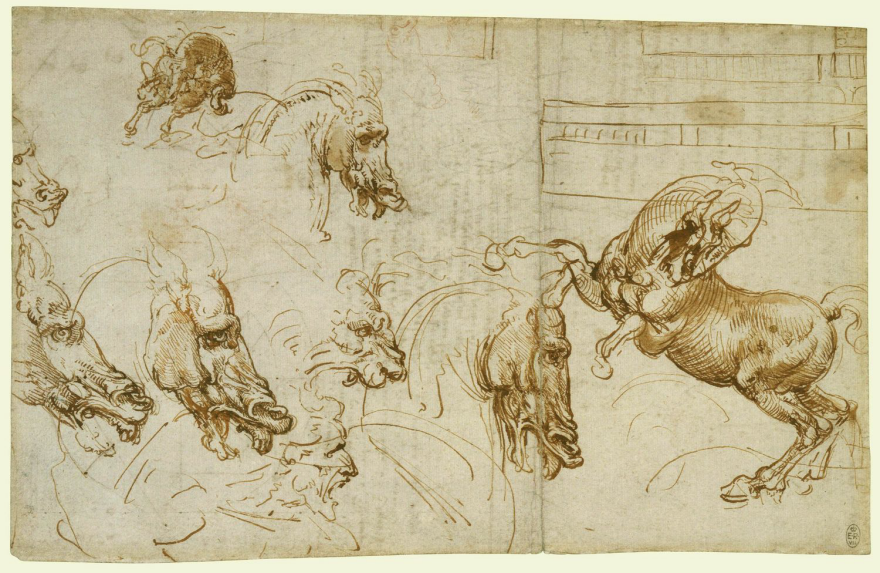
He observed, drew patterns, tested hypotheses, and iterated relentlessly. Long before “design thinking” had a name, da Vinci proved that the richest breakthroughs come not from refined tools, but from the freedom to think messily and deeply.

He set the example that the best ideas aren’t born perfect. They’re born raw.
I use this inspiration to inspire my design teams, where I challenge them to channel that same spirit with a simple 6 step sketching practice that forces divergent thinking before we ever open Figma…
Step #1: Find a Place to Engage Your Imagination
I find the best creative environments are comfortable and quiet, where I can really spend some time focusing. And I love having toys – mainly Legos – that spark my imagination and allow my creativity to dream and explore.
Although I admittedly sometimes just end up playing with my Legos and need to find a new quiet space 🙂

If you need to jumpstart your creativity, I recommend some light exercise (e.g. walking, yoga, etc.) or reviewing competitors’ products, inspiring photos of the theme you’re tackling, and even playing with creative toys (e.g. Lego bricks, silly putty, comics, games, etc.) to get the juices flowing.

Step #2: Pick a Specific Problem or Theme
To help focus your creativity, I recommend picking a specific problem that you want to solve. It’s really helpful to write the problem down using a problem statement, which is a clear, concise explanation of the problem or challenge you intend to solve.

Or if you haven’t found a specific problem, consider starting more broadly with a theme or topic and to ideate on the problems in that area, and then pick a specific problem.
Step #3: Sketch Lots of Ideas in 10 Minutes
Starting with a specific problem, I recommend letting your pen/pencil be the vessel to document, organize, and design anything from strategy to design to user flows. Sketch as many ideas and solutions as you can within 10 minutes.
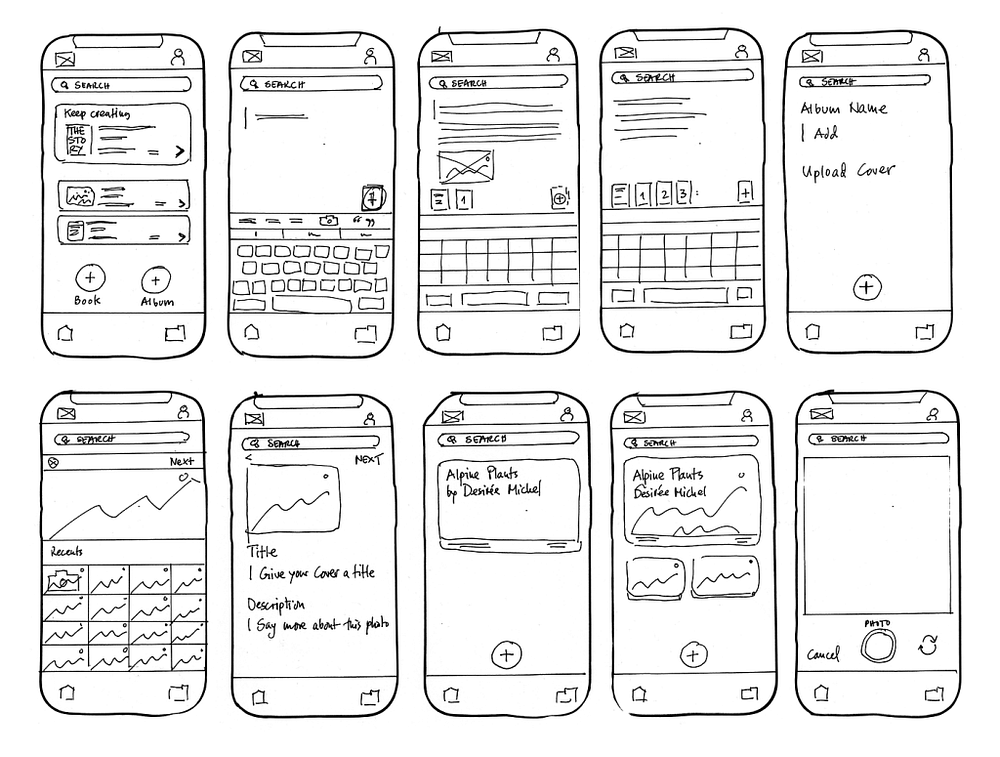
Not all of your sketches will be revolutionary ideas, but that’s not quite the point.
The point is to have a ton of various thoughts to work from and build upon. From these concepts a few gold nuggets should emerge as you continue iterating.
Step #4: Annotate Your Sketches
I’ve found it’s super helpful to add notes to my sketches to help define the details of a specific solution, everything from titles, keywords, callouts, questions, interactions, user types, and anything else you come up with that needs to be documented.

This really helps to capture all of your thoughts so you can reference them in the future. Just make sure you can read your handwriting.
Step #5: Collaborate With Others When You Sketch
Consider collaborating with colleagues or friends in this exercise to help push the boundaries of your creativity. Once you both finish your first round of sketches, share your sketches and provide feedback to each other.

Then spend another 10 minutes sketching more ideas based off the feedback. This also works great to ideate within a team or client setting because everyone can sketch, no Leonardo da Vinci’s required.
Step #6: Look for New Combinations
Review your ideas/solution that you sketched, pick the best aspects of each one, and then spend another 5–10 minutes sketching a new set of ideas/solutions. Continue iterating until you find the best idea/solution that solves your problem.
Sketching Exercises:
Try it on your own by sketching ideas and solutions for these thought exercises, spending no more than 5–10 minutes on each exercise:
- How would you improve your favorite social media app (e.g. Facebook, Instagram, etc.)?
- What issues do you have with your email (e.g. Gmail, Outlook, etc.) experience and how would you improve it to make it more user friendly?
- How would you innovate your favorite mobile app using AI?
- How would your redesign the Amazon.com shopping experience? Feel free to reference my Amazon redesign when you’re done to see how they compare.
Conclusion
Figma isn’t the real villain in this story. My biggest concern is when it becomes the starting point instead of the destination, because it will erode the very craft it was meant to amplify. I’ve seen too many teams trade thinking for shortcuts.
The result isn’t better design, but actually a team heading in the wrong direction faster!
Ideation is a really critical phase of the design process, where it helps to identify problem areas, gets the core product disciplines (PM, Design, Engineers) to collaborate on concepts, and promotes unhinged creativity where there’s no bad ideas.

The best work I’ve ever done, and the best work I’ve seen, never started in Figma. It started with curiosity, discomfort, and messy lines on paper. The same way Leonardo explored the world long before he perfected it.

Sketching forces me to slow down, ask better questions, see patterns, and test ideas without constraint. It’s where strategy, creativity, and problem-solving converge — and where real innovation still lives.
So use Figma. Use design systems. Use all the incredible tools we have today, but only after you’ve done the thinking. If we want to raise the bar for product design again, we have to reclaim the earliest moments of the process, where ideas are fragile, unpolished, and full of possibility. That’s where great design begins and no software can replace it.